IPTV setup, step by step
Every setup follows the same three steps — the only difference is your device. Read the guide for your platform, or skip straight to WhatsApp and get instructions for your exact model.
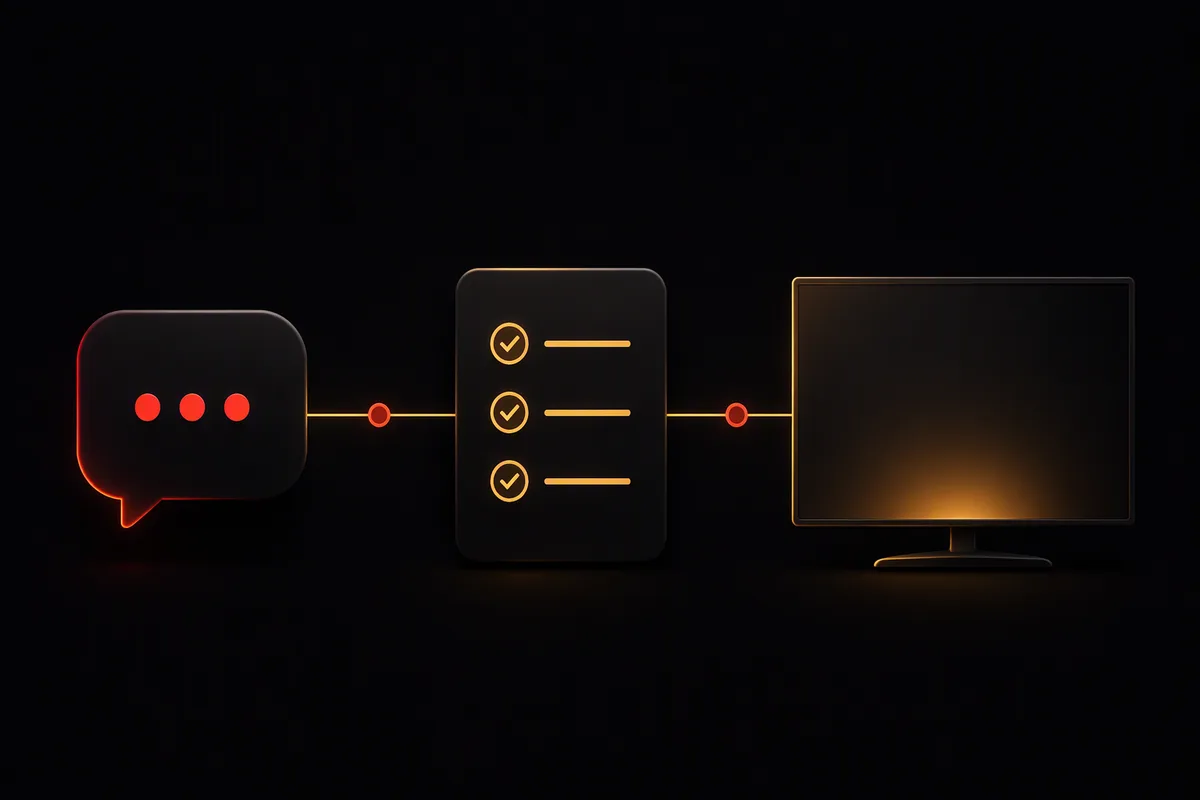
- Message us with your country and device.
- Receive your details plus the recommended player app for your device.
- Follow the steps — most setups take under fifteen minutes.
Setup guides by device
Smart TV
Most modern Smart TVs run IPTV player apps directly — no extra hardware needed.
Samsung TV (Tizen)
Samsung TVs run Tizen OS; several well-known IPTV player apps are available in the Samsung app store.
LG TV (webOS)
LG TVs run webOS, which has its own selection of IPTV player apps in the LG Content Store.
Android TV
Android TV boxes and sticks offer the widest choice of IPTV player apps via Google Play.
Google TV
Google TV (including Chromecast with Google TV) runs the same app ecosystem as Android TV.
Amazon Fire TV
Fire TV Stick and Fire TV Cube are among the most popular IPTV devices in Europe.
Apple TV
Apple TV offers polished IPTV player apps through the tvOS App Store.
Also read: internet speed for IPTV and Ethernet vs Wi-Fi — the two guides that prevent most setup-day problems.